Series Plot
A series plot displays an ordered sequence of y-values against their sequential index on the x-axis. It is the simplest way to visualise a time series, signal trace, or any 1D ordered measurement. Three rendering styles are available: line, point, or both.
Import path: kuva::plot::SeriesPlot
Basic usage
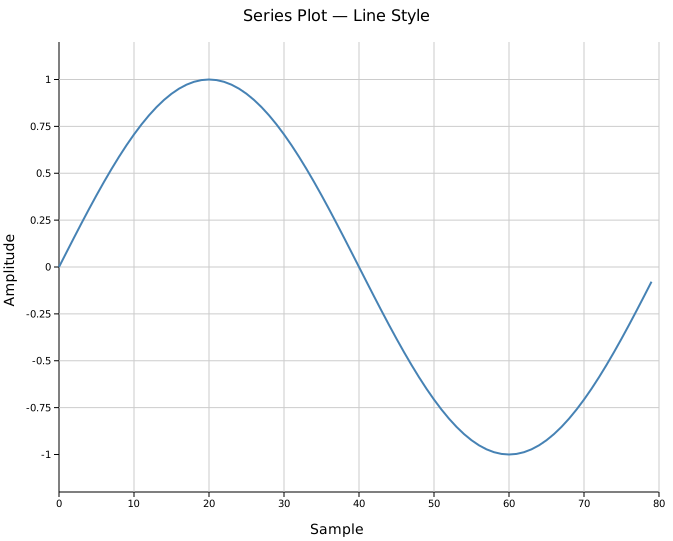
Pass an iterable of numeric values to .with_data(). The x-axis is assigned automatically as 0, 1, 2, ….
#![allow(unused)]
fn main() {
use kuva::plot::SeriesPlot;
use kuva::backend::svg::SvgBackend;
use kuva::render::render::render_multiple;
use kuva::render::layout::Layout;
use kuva::render::plots::Plot;

let data: Vec<f64> = (0..80)
    .map(|i| (i as f64 * std::f64::consts::TAU / 80.0).sin())
    .collect();

let series = SeriesPlot::new()
    .with_data(data)
    .with_color("steelblue")
    .with_line_style();

let plots = vec![Plot::Series(series)];
let layout = Layout::auto_from_plots(&plots)
    .with_title("Series Plot — Line Style")
    .with_x_label("Sample")
    .with_y_label("Amplitude");

let svg = SvgBackend.render_scene(&render_multiple(plots, layout));
std::fs::write("series.svg", svg).unwrap();
}
Display styles
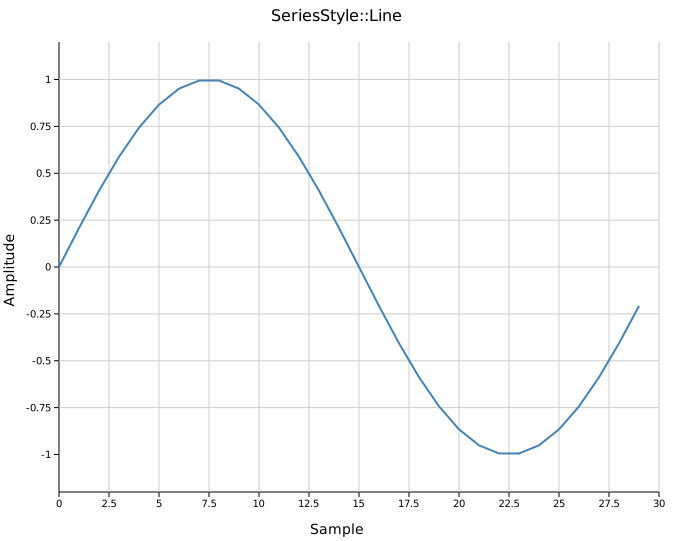
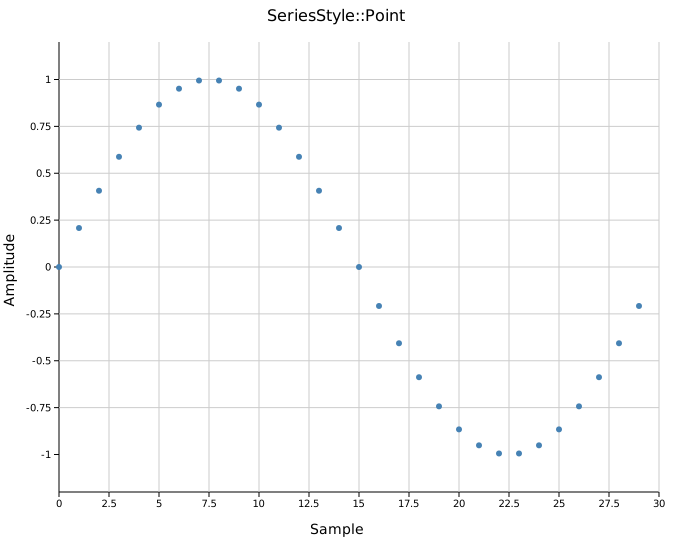
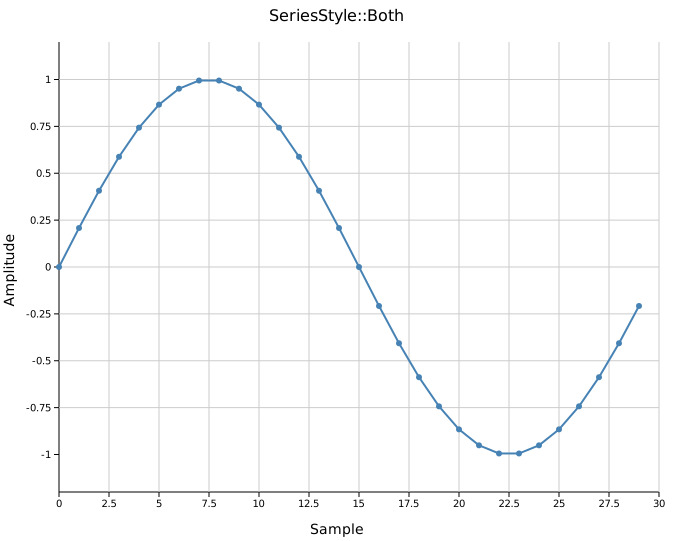
Three styles control how values are rendered. Call the corresponding method instead of setting a field directly.
| Method | Style | Renders |
|---|---|---|
.with_line_style() | Line | Polyline connecting consecutive points |
.with_point_style() | Point | Circle at each value (default) |
.with_line_point_style() | Both | Polyline and circles |
Multiple series
Place multiple SeriesPlot instances in the same plots vector to overlay them on one canvas. All series share the same axes; they align automatically when they have the same number of values.
#![allow(unused)]
fn main() {
use kuva::plot::SeriesPlot;
use kuva::render::plots::Plot;
let s1 = SeriesPlot::new()
    .with_data(sin_data)
    .with_color("steelblue")
    .with_line_style()
    .with_legend("sin(t)");

let s2 = SeriesPlot::new()
    .with_data(cos_data)
    .with_color("firebrick")
    .with_line_style()
    .with_legend("cos(t)");

let s3 = SeriesPlot::new()
    .with_data(damped)
    .with_color("seagreen")
    .with_line_style()
    .with_stroke_width(1.5)
    .with_legend("e^(−t/2)·sin(t)");

let plots = vec![Plot::Series(s1), Plot::Series(s2), Plot::Series(s3)];
}
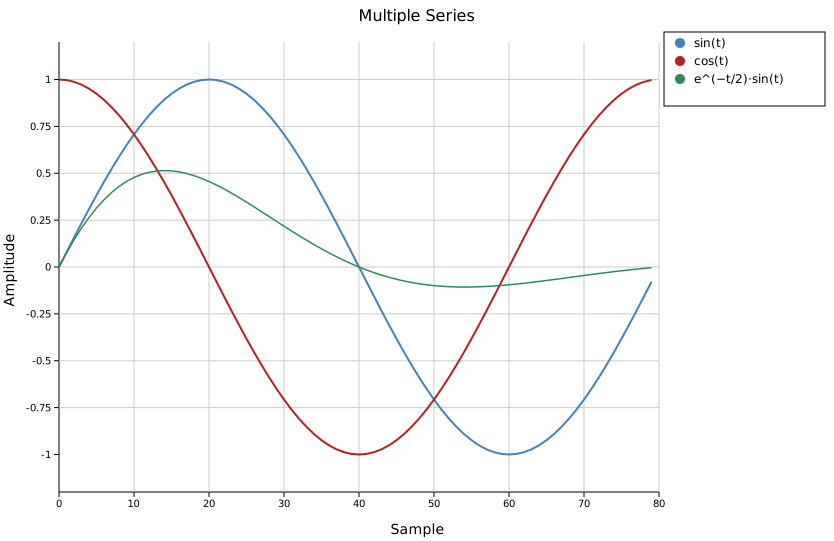
Each series has its own color and legend entry. The legend is drawn automatically when any series has a legend_label.
Custom stroke and point size
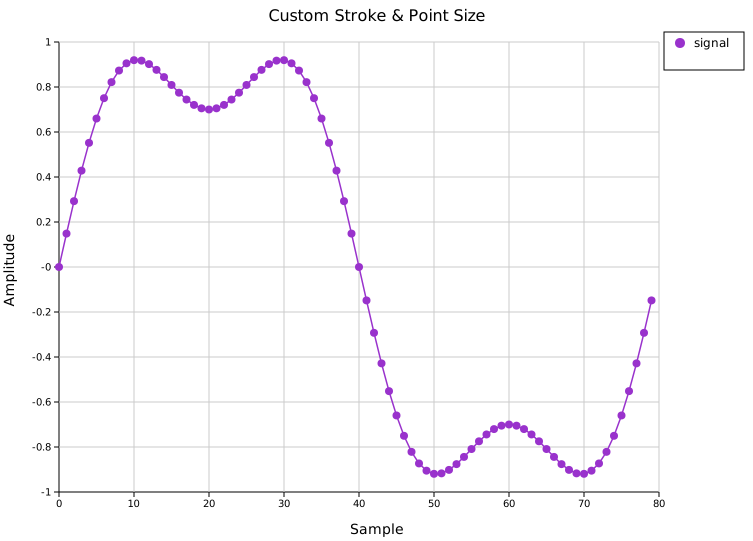
.with_stroke_width(f) sets the line thickness; .with_point_radius(f) sets the circle size. These only affect the relevant style — stroke_width applies to Line and Both; point_radius applies to Point and Both.
#![allow(unused)]
fn main() {
use kuva::plot::SeriesPlot;
use kuva::render::plots::Plot;
let series = SeriesPlot::new()
    .with_data(data)
    .with_color("darkorchid")
    .with_line_point_style()
    .with_stroke_width(1.5)
    .with_point_radius(4.0)
    .with_legend("signal");
}
API reference
| Method | Description |
|---|---|
SeriesPlot::new() | Create with defaults (Point style, "black", radius 3.0, width 2.0) |
.with_data(iter) | Load y-values; x positions are sequential indices |
.with_color(s) | CSS color for lines and points (default "black") |
.with_line_style() | Polyline only |
.with_point_style() | Circles only (default) |
.with_line_point_style() | Polyline and circles |
.with_stroke_width(f) | Line thickness in pixels (default 2.0) |
.with_point_radius(f) | Circle radius in pixels (default 3.0) |
.with_legend(s) | Add a legend entry with this label |
See also: Line Plot for a single series, Band Plot for confidence bands per series, Twin-Y Plot for series on independent scales.